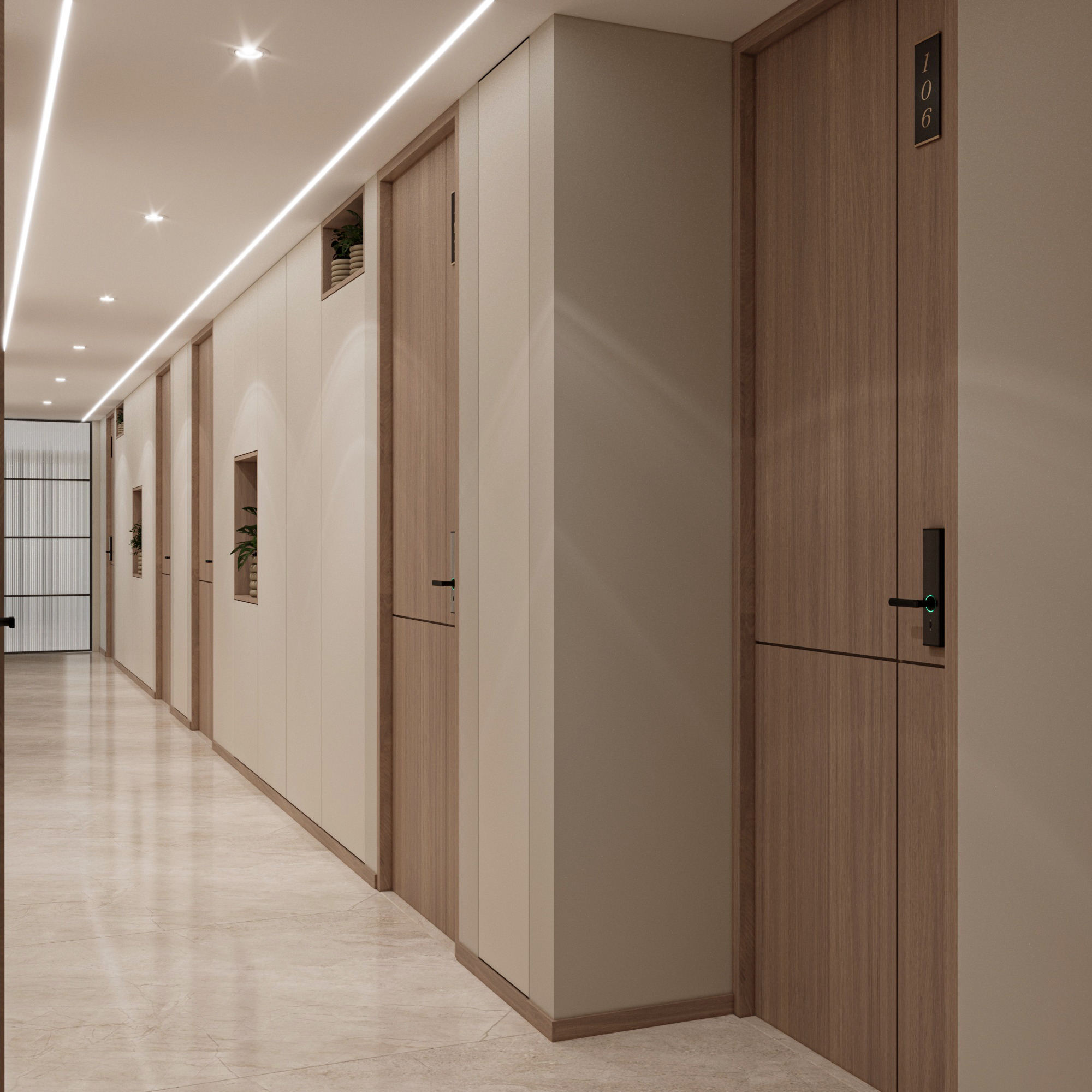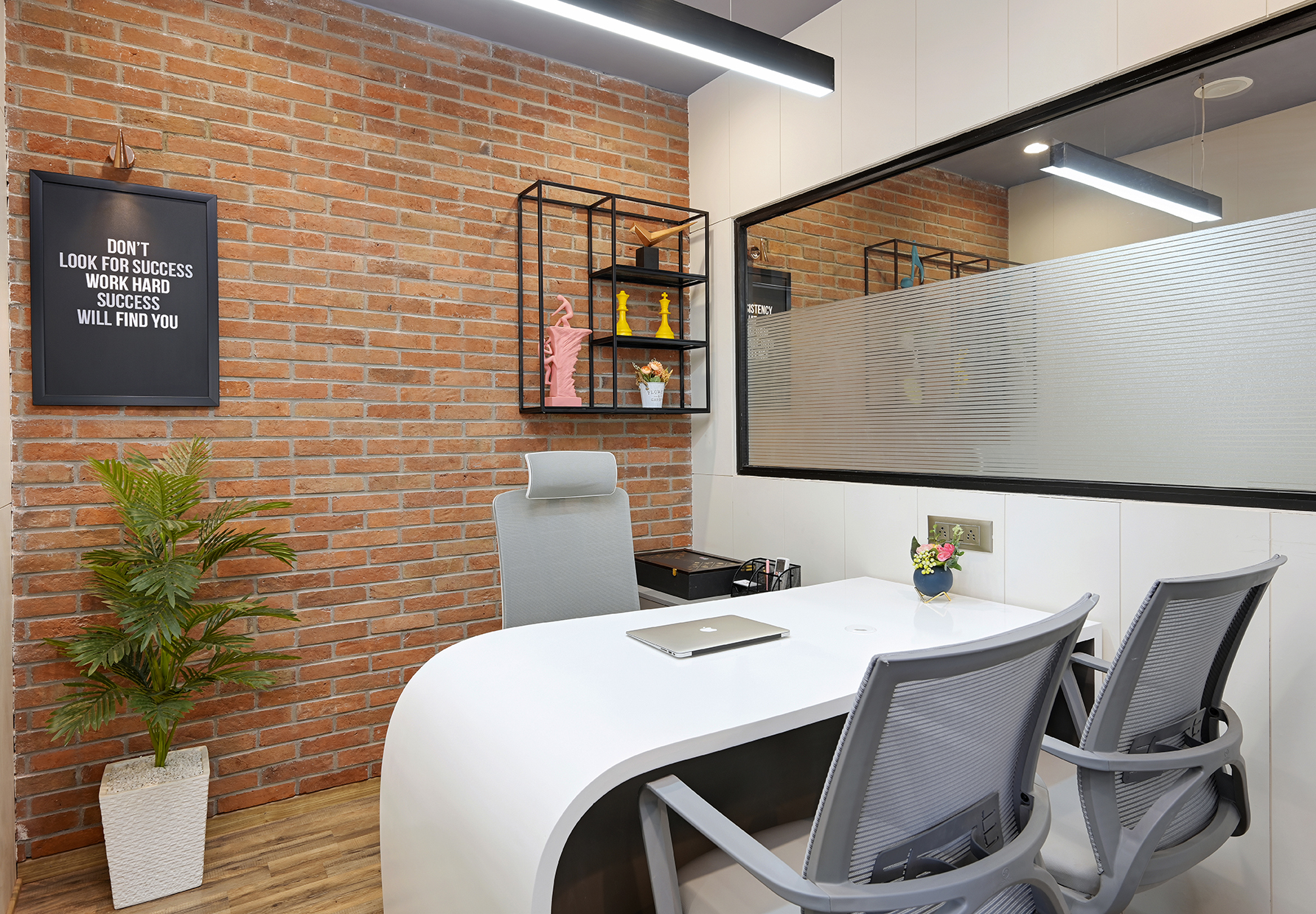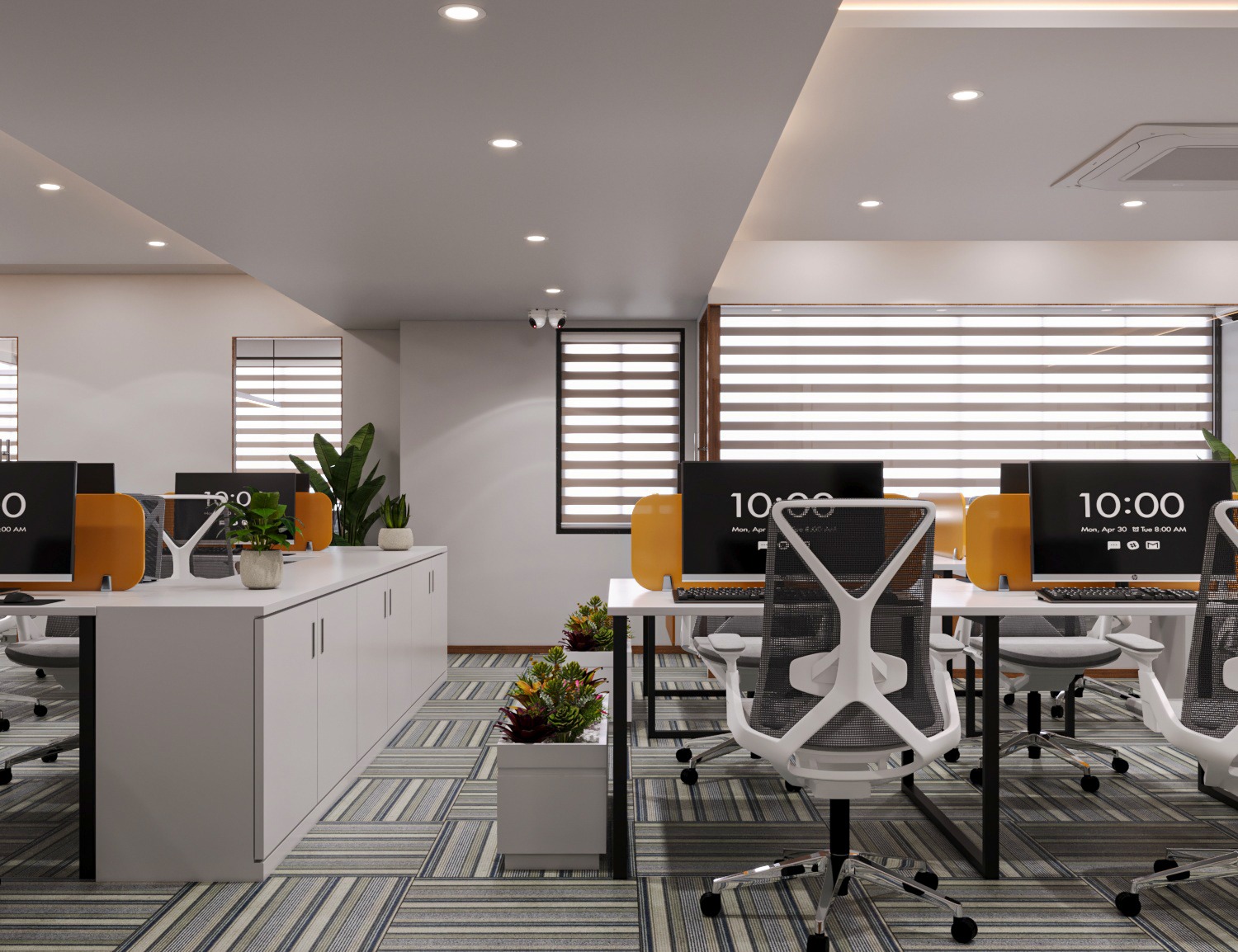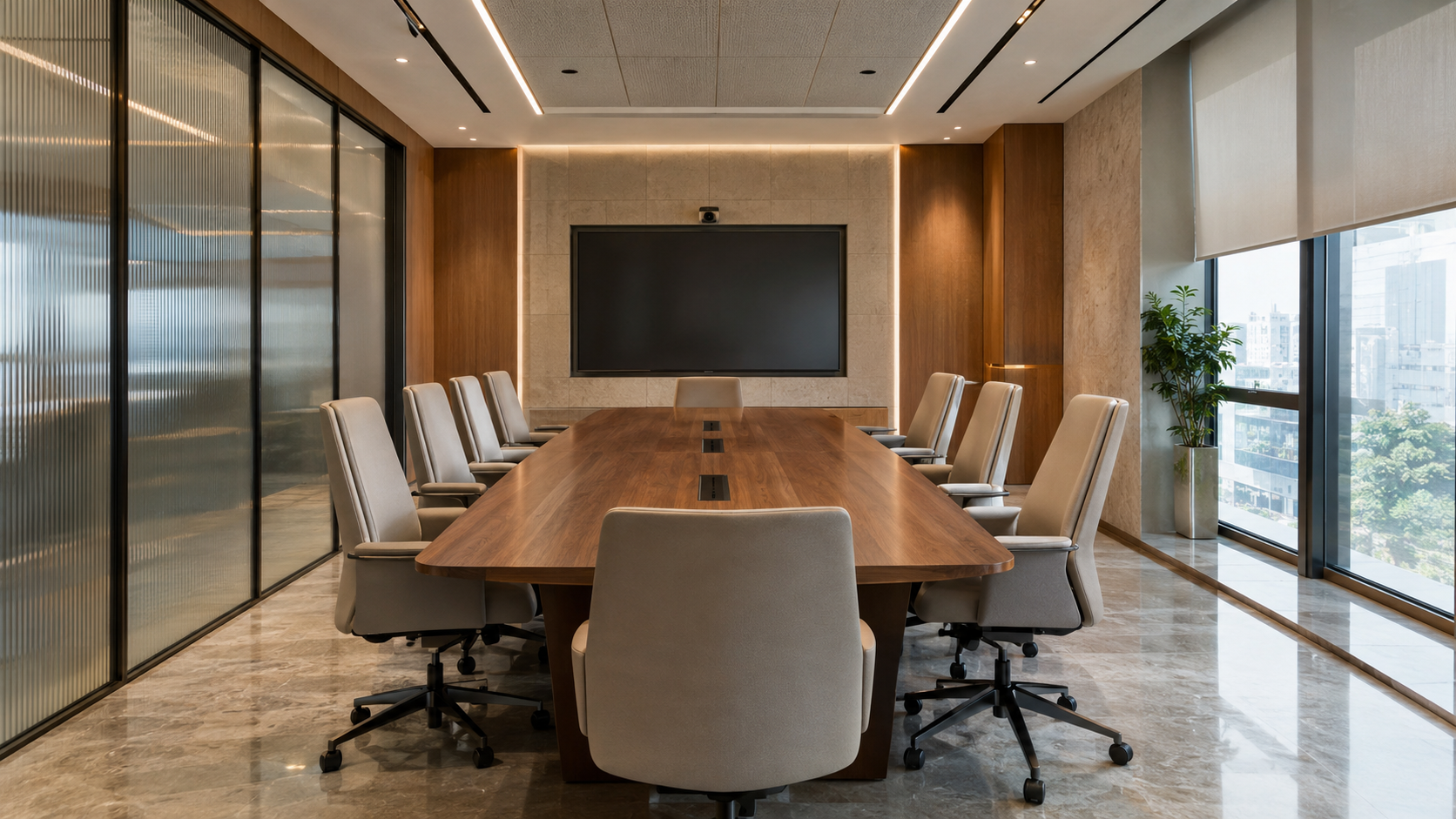
A meeting room can look impressive in photographs and still become frustrating the moment an actual meeting begins.
Someone cannot see the presentation screen. Afternoon sunlight creates glare. Voices echo through the room. A chair blocks the door when it is pulled back. People joining online struggle to hear the discussion clearly.
That is why good meeting room design begins with how the room needs to work—not with the conference table, wall colour or ceiling design.
For offices in Ahmedabad, a meeting room may need to handle client presentations, team reviews, confidential discussions, online meetings and quick decision-making within the same space.
The objective is not simply to create an attractive conference room.
It is to create a room where people can see, hear, communicate and collaborate comfortably.
Here are 11 practical meeting room design ideas to consider before finalising your office layout.
Table of Contents
- Define What the Meeting Room Needs to Do
- Design for Real Attendance, Not Maximum Capacity
- Choose the Layout Before the Conference Table
- Plan Screen Visibility From Every Seat
- Design Hybrid Meetings From the Beginning
- Treat Acoustics and Privacy Separately
- Plan Lighting for People, Screens and Cameras
- Integrate Power and Connectivity Early
- Keep the Conference Table in Proportion
- Use Materials and Branding With Restraint
- Design for Future Change
- Meeting Room Design Checklist
- Common Mistakes to Avoid
- Frequently Asked Questions
What Makes a Good Meeting Room Design?
There is no single meeting room layout that works for every office.
A room used mostly for four-person project discussions has different requirements from a boardroom used for client presentations.
A leadership meeting room may require stronger privacy.
A hybrid meeting room needs to consider cameras, displays, lighting and acoustics.
A brainstorming room may need flexible seating and writable surfaces.
This is why the first question should not be:
“Which conference table should we choose?”
A better question is:
“What actually happens inside this room?”
Once that is clear, the furniture, technology, lighting and finishes can be planned around the way people will use the space.
1. Define the Meeting Type Before Designing the Room
Start with activities instead of aesthetics.
Ask a few practical questions:
- Who will use the room most often?
- How many people normally attend?
- Are clients frequently invited?
- Are presentations common?
- Will people regularly join remotely?
- Are confidential discussions held here?
- Does the team brainstorm on whiteboards?
- Are meetings normally short discussions or long review sessions?
These answers can completely change the layout.
A large formal boardroom may look impressive, but it makes little sense if most meetings involve three or four people.
Likewise, a compact meeting room may look beautiful but become inconvenient if video calls were never considered during planning.
Practical Design Lesson
Prepare a simple meeting-use brief before drawing the room.
Design primarily around the meetings that happen every week, not only the largest meeting the business might hold occasionally.
2. Design for Real Attendance, Not Maximum Capacity
One of the easiest ways to make a meeting room uncomfortable is to fill it with too many chairs.
A room may technically accommodate ten people, but that does not automatically make it comfortable for ten people.
When every chair is occupied, people still need room to:
- pull their chair back,
- enter and leave,
- reach power points,
- view the display,
- access a whiteboard,
- move around the table.
A plan that looks spacious when every chair is neatly pushed underneath the table can behave very differently during an actual meeting.
This becomes even more important in a compact workplace.
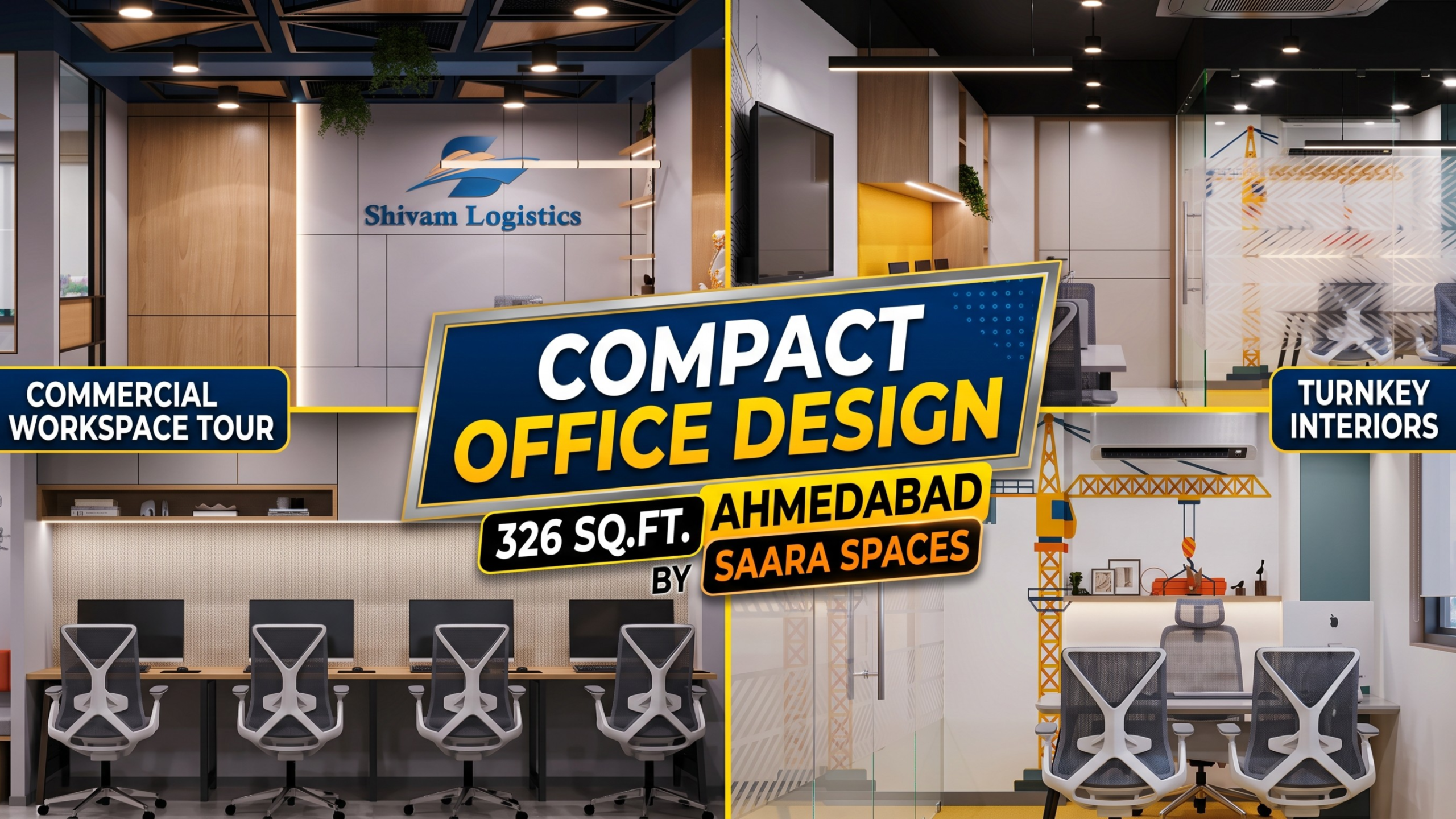
Saara Spaces has explored similar space-planning challenges in its Compact Office Design Ahmedabad guide, which looks at real 283–326 sq ft workspaces.
Practical Design Lesson
Always review the meeting-room layout with the chairs shown in their occupied position, not only tucked under the table.
3. Choose the Layout Before Choosing the Conference Table
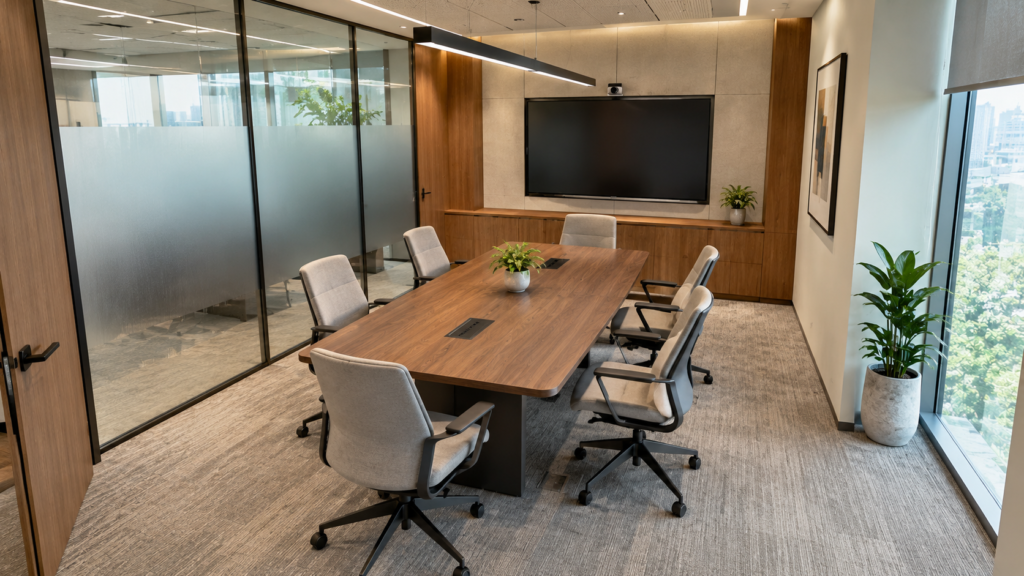
A conference table should fit the room.
The room should not be forced to fit the table.
Different meeting styles may need different layouts.
Boardroom Layout
A rectangular table can work well for structured discussions, presentations and leadership meetings.
Compact Discussion Layout
Smaller meeting rooms may benefit from a more compact arrangement that keeps participants closer together and leaves adequate circulation around the furniture.
Presentation-Oriented Layout
If presentations are the room’s main purpose, seating and furniture should maintain clear sightlines toward the display.
Collaborative Layout
Some teams may require a more flexible room that supports discussion, writing, reviewing plans or rearranging seating.
There is no universally superior layout.
The correct solution depends on:
room geometry + number of users + circulation + technology + meeting style.
Practical Design Lesson
Finalise these elements before ordering furniture:
- circulation,
- seating positions,
- screen position,
- door movement,
- power,
- conferencing equipment.
Only then should the table size and shape be locked.
4. Plan Screen Visibility From Every Seat
Screens have become an important part of modern conference room design, but they are often treated as equipment that can simply be mounted after the interior is finished.
That approach can create unnecessary problems.
Check the view from every chair.
Can everyone clearly see the screen?
Will someone need to rotate their chair throughout a presentation?
Can one participant block another person’s view?
Does sunlight fall directly on the display?
Is the display positioned too high or too low for comfortable viewing?
Even the most attractive meeting room can become inconvenient when the presentation wall was not considered during space planning.
Practical Design Lesson
Treat the screen wall as part of the interior layout from day one.
Furniture, lighting, windows and display placement should be reviewed together.
5. Design Hybrid Meetings From the Beginning
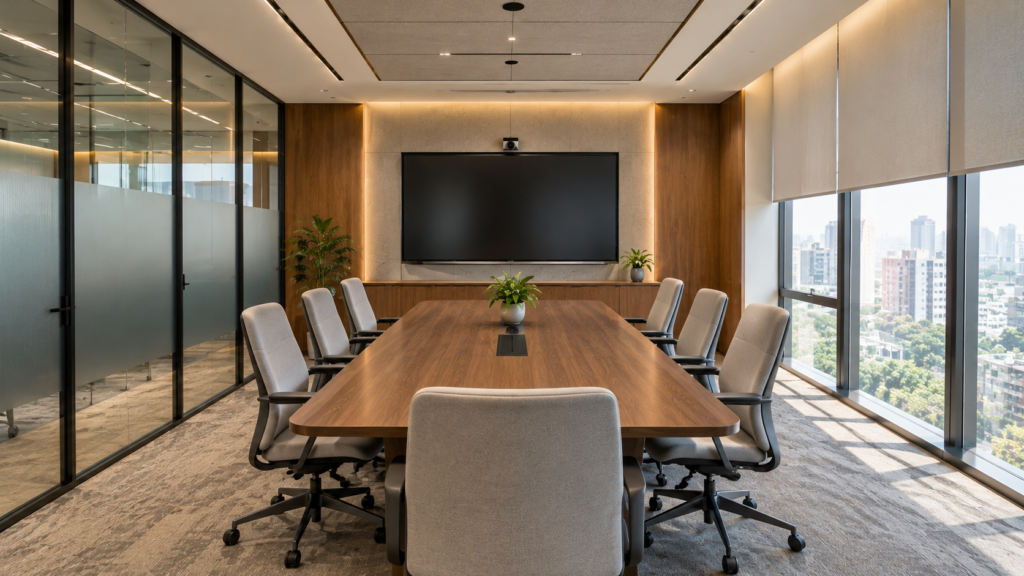
Modern offices increasingly need meeting rooms that work for two groups at once:
people sitting inside the room
and
people joining remotely.
This changes the design brief.
Camera placement affects where people sit.
Lighting determines how clearly participants appear on video.
Room geometry affects camera framing.
Hard surfaces can influence echo.
Screen placement affects both presentation visibility and eye contact.
Power and network requirements influence furniture and electrical planning.
The technology does not need to dominate the room visually, but it should be considered before construction and furniture installation are complete.
Practical Design Lesson
Before approving the interior, identify:
- display location,
- camera position,
- audio requirements,
- equipment location,
- power points,
- network/data requirements.
Adding all of these after handover usually creates unnecessary compromises.
6. Treat Acoustics and Privacy as Separate Requirements
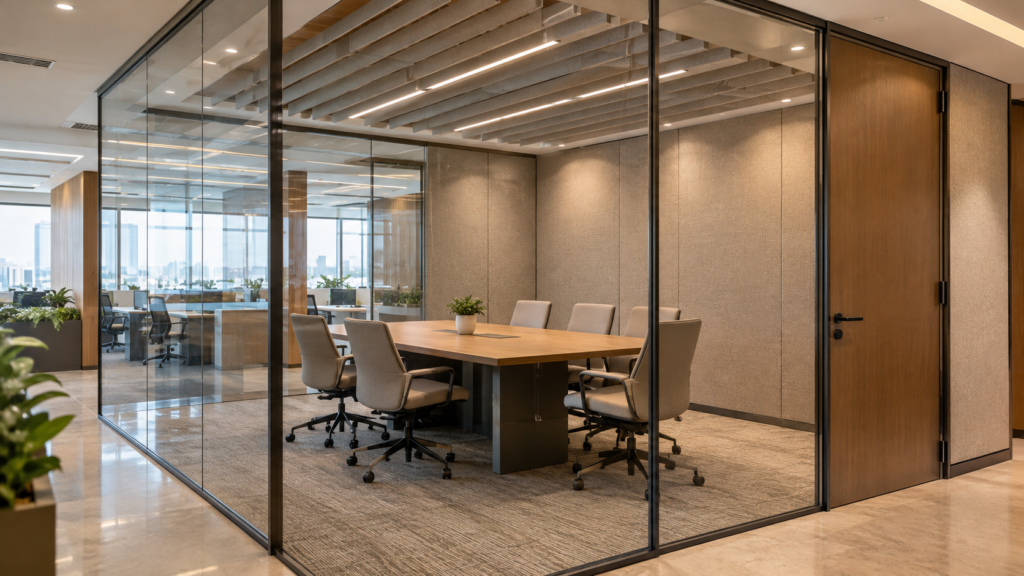
Glass meeting rooms are popular in modern offices because they maintain visual openness.
But glass introduces an important question:
Does the room need visual privacy, acoustic privacy, or both?
They are not the same thing.
A meeting room may appear completely separated from the office while conversations remain audible outside.
At the same time, rooms containing large amounts of glass, laminate, stone and other hard surfaces can sometimes feel acoustically harsh.
This becomes particularly important when the meeting room is used for:
- confidential discussions,
- leadership meetings,
- interviews,
- client conversations,
- frequent video calls.
Acoustic planning can involve the relationship between walls, doors, ceilings, furniture and finishes rather than simply adding an acoustic panel after the room is complete.
Practical Design Lesson
Define the level of speech privacy and acoustic comfort required before selecting the partition system.
Visual openness should not automatically be treated as acoustic performance.
7. Plan Lighting for People, Screens and Cameras
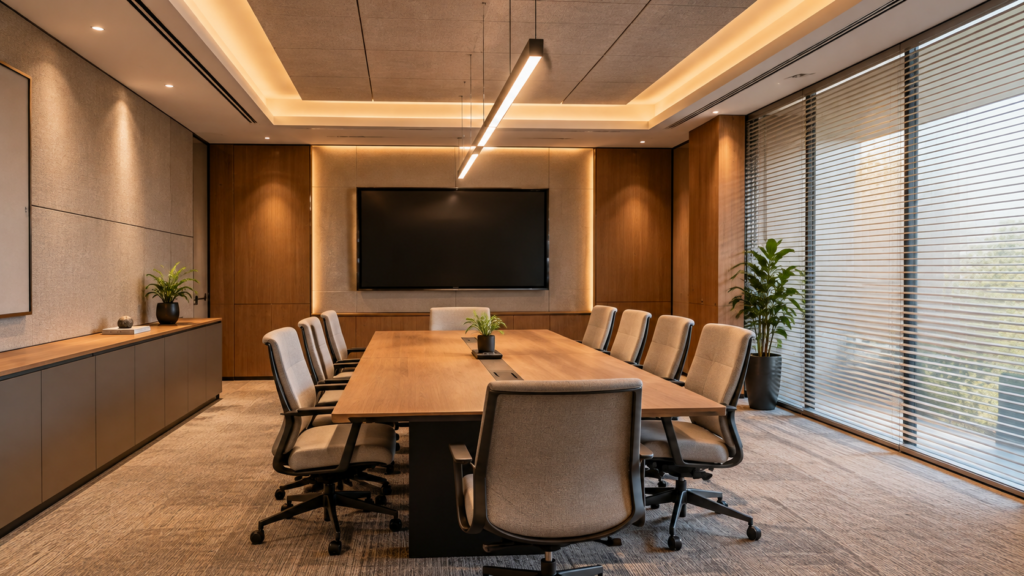
Meeting-room lighting has to support more than the appearance of the ceiling.
People need to read documents comfortably.
Presentations need to remain visible.
Faces should be properly illuminated during video calls.
Screens should not be covered by reflections.
Strong daylight behind one participant can make that person appear dark on camera.
Direct light falling onto a display can cause distracting glare.
Instead of treating lighting as a decorative layer, consider how the room behaves during different types of meetings.
Practical Design Lesson
Review these four elements together:
table position + screen location + camera direction + windows.
A meeting room can look beautifully lit in photographs but still be uncomfortable during everyday use if these relationships are ignored.
8. Integrate Power and Connectivity Early
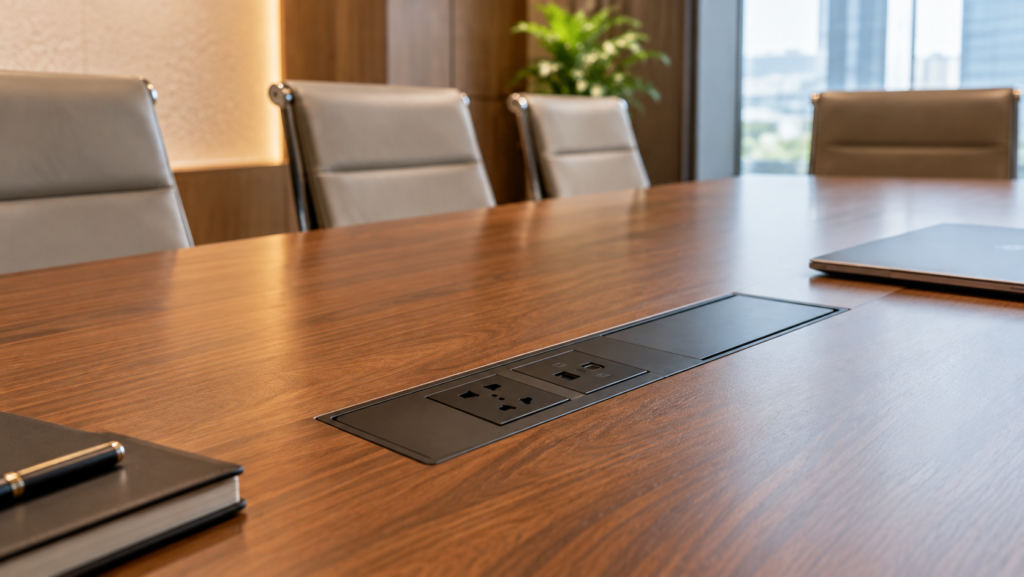
A carefully designed meeting room quickly loses its polished appearance when extension boards and loose cables begin crossing the table.
Think about how participants will:
- charge laptops,
- connect presentation devices,
- power conferencing equipment,
- access network connections,
- use future equipment.
Power locations should respond to the furniture layout.
Furniture should respond to the meeting-room plan.
And the entire system should be coordinated before execution.
This is one reason integrated design and execution can be valuable in commercial interiors.
For a broader explanation of coordinating design, services and execution, see Saara Spaces’ guide to Interior Turnkey Solutions in Ahmedabad.
Practical Design Lesson
Coordinate electrical, data, furniture and meeting technology before furniture manufacturing or final site execution.
Small coordination mistakes become highly visible once the room is finished.
9. Do Not Let the Conference Table Consume the Room
The table naturally becomes the visual centre of most meeting rooms.
That does not mean bigger is automatically better.
An oversized conference table can create:
- narrow circulation,
- difficult chair movement,
- uncomfortable entry and exit,
- poor camera framing,
- unnecessary visual heaviness.
The furniture should feel appropriate to the scale of the space.
This is particularly important in small meeting room design, where every piece of furniture affects movement.
Practical Design Lesson
Choose the table according to:
- actual number of regular users,
- room proportions,
- presentation requirements,
- door location,
- technology,
- circulation.
Prestige should come from how thoughtfully the room works—not simply from the size of the furniture.
10. Use Materials and Branding With Restraint
Meeting rooms are often among the most client-facing areas of an office.
They therefore provide an opportunity to express the identity of the business.
But branding does not require a giant company logo across every wall.
A corporate identity can be communicated through:
- material selection,
- colour accents,
- wall graphics,
- furniture detailing,
- lighting,
- joinery,
- subtle brand references.
The objective is to make the room feel connected to the business rather than decorated around a logo.
A similar principle can be seen in Saara Spaces’ Shivam Logistics workspace in Jagatpur, where warm wood accents, bespoke logistics-inspired graphics and architectural detailing help create a recognisable corporate environment within a compact office.
Practical Design Lesson
Choose two or three visual characteristics that genuinely represent the company and integrate them consistently.
Too many competing materials or branding elements can make a meeting room feel visually busy.
11. Design the Meeting Room for Future Change
The way a business holds meetings today may not be exactly the same several years from now.
Teams grow.
Technology changes.
More meetings may become hybrid.
A room used mainly for presentations today may later become a collaborative project space.
Future-ready design does not mean filling the room with complicated movable systems.
It means avoiding unnecessary decisions that make future changes difficult.
Consider:
- accessible power,
- adaptable technology locations,
- furniture with more than one possible use,
- walls that can accommodate future equipment,
- layouts that are not dependent on one temporary requirement.
Practical Design Lesson
Ask:
“If the way we use this room changes, how much of the interior would need to be rebuilt?”
The answer can reveal whether the design is flexible enough.
Meeting Room Design Checklist Before You Approve the Layout
Before finalising your meeting room interior design, check the following:
Usage
- What is the most common meeting size?
- Is the room mainly client-facing or internal?
- How frequently will it be used?
- Are confidential discussions common?
Layout
- Can everyone move comfortably?
- Can chairs be pulled back without blocking circulation?
- Does the door interfere with seating?
- Is the table proportional to the room?
Presentations
- Can every participant see the display?
- Is the screen positioned logically?
- Can the presenter move comfortably?
Hybrid Meetings
- Is the camera position planned?
- Are participants visible clearly?
- Is audio equipment coordinated with the room?
- Are power and network connections available?
Lighting
- Does daylight create screen glare?
- Are faces evenly illuminated?
- Can the room support both presentation and discussion settings?
Acoustics
- Does the room require speech privacy?
- Have echo-producing surfaces been considered?
- Is the partition system suitable for the required level of privacy?
Brand and Materials
- Does the room feel connected to the company’s identity?
- Are materials appropriate for frequent commercial use?
- Is the design visually balanced rather than overloaded?
If several of these questions still do not have clear answers, the meeting room probably needs another planning review before execution begins.
Common Meeting Room Design Mistakes to Avoid
Choosing the Table Before Planning the Room
A furniture decision should not dictate circulation, screen location and door movement.
Plan the room first.
Adding the Screen After the Layout Is Final
This can create poor sightlines and awkward seating.
Display placement should be considered during space planning.
Assuming Glass Automatically Provides Privacy
Glass can create visual separation while still allowing conversations to travel outside the room.
Privacy requirements need separate consideration.
Ignoring Video-Call Lighting
A room that looks attractive in person can still perform poorly on camera.
Lighting needs to work for both physical and hybrid meetings.
Leaving Power Planning Until Execution
Late electrical modifications can interfere with flooring, furniture, ceilings and finishes.
Coordinate them early.
Designing for the Largest Possible Meeting
Do not compromise everyday comfort for an unusually large meeting that may happen only occasionally.
Design primarily around normal usage.
Treating Interior Design and Technology Separately
Modern conference room design works best when space planning, furniture, lighting, acoustics, electrical services and meeting technology are coordinated as one system.
The same coordination principle becomes even more important in smaller workplaces.
For more practical small-space lessons, read Saara Spaces’ guide to Compact Office Design in Ahmedabad.
[INTERNAL LINK: Compact Office Design Ahmedabad]
Frequently Asked Questions About Meeting Room Design
What is the best layout for a meeting room?
There is no single best meeting-room layout.
The right arrangement depends on room dimensions, number of users, presentation requirements, technology, circulation and the types of meetings held there.
A four-person discussion room may require a very different arrangement from a client-facing conference room.
How do you design a small meeting room?
Start with the number of people who actually use the room regularly.
Use furniture that is proportional to the available space and prioritise comfortable circulation, display visibility, power access, lighting and acoustic comfort.
Avoid filling the room simply to achieve the highest possible seating capacity.
What should a modern meeting room include?
Requirements vary between businesses, but a modern meeting room may include:
- comfortable seating,
- presentation display,
- video-conferencing equipment,
- suitable lighting,
- power and data connectivity,
- acoustic treatment,
- writable or presentation surfaces,
- appropriate storage.
Not every room needs every feature.
The design should follow how the business actually holds meetings.
Are glass partitions suitable for meeting rooms?
Glass partitions can help maintain visual connection and allow daylight to travel through an office.
However, acoustic privacy, safety, maintenance and the specific glazing system should be evaluated before selection.
A transparent room is not automatically an acoustically private room.
Why are acoustics important in conference room design?
Good acoustic conditions help participants understand one another more easily.
They become particularly important in rooms used for video calls, confidential discussions and client meetings.
Hard surfaces, room geometry, doors and partitions can all influence how sound behaves inside and outside the room.
Should meeting rooms be designed for hybrid meetings?
If remote participation is part of the company’s normal workflow, hybrid use should ideally be considered from the planning stage.
Camera position, screen visibility, lighting, acoustics, power and data infrastructure can all affect the quality of the meeting experience.
Can a meeting room work inside a compact office?
Yes, depending on the dimensions of the property and the other functions the office needs to accommodate.
The goal should be to allocate space according to actual business priorities rather than forcing every possible function into the layout.
Saara Spaces’ compact office projects demonstrate how careful space planning can create multiple functional zones within limited commercial footprints.
Planning a Meeting Room for Your Ahmedabad Office?
A successful meeting room is not created simply by choosing a premium conference table and mounting a screen on the wall.
It needs to support the people using it.
How they sit.
How they communicate.
How presentations are viewed.
How remote participants join.
How confidential conversations remain private.
And how the room connects with the wider office.
When meeting room design, lighting, acoustics, furniture, technology and execution are planned together, the room becomes a more useful part of the workplace.
Saara Spaces works on commercial and office interiors in Ahmedabad, including compact workplaces such as Shivam Logistics in Jagatpur and MK Construction in Bopal.
Planning a new office or redesigning an existing commercial workspace?